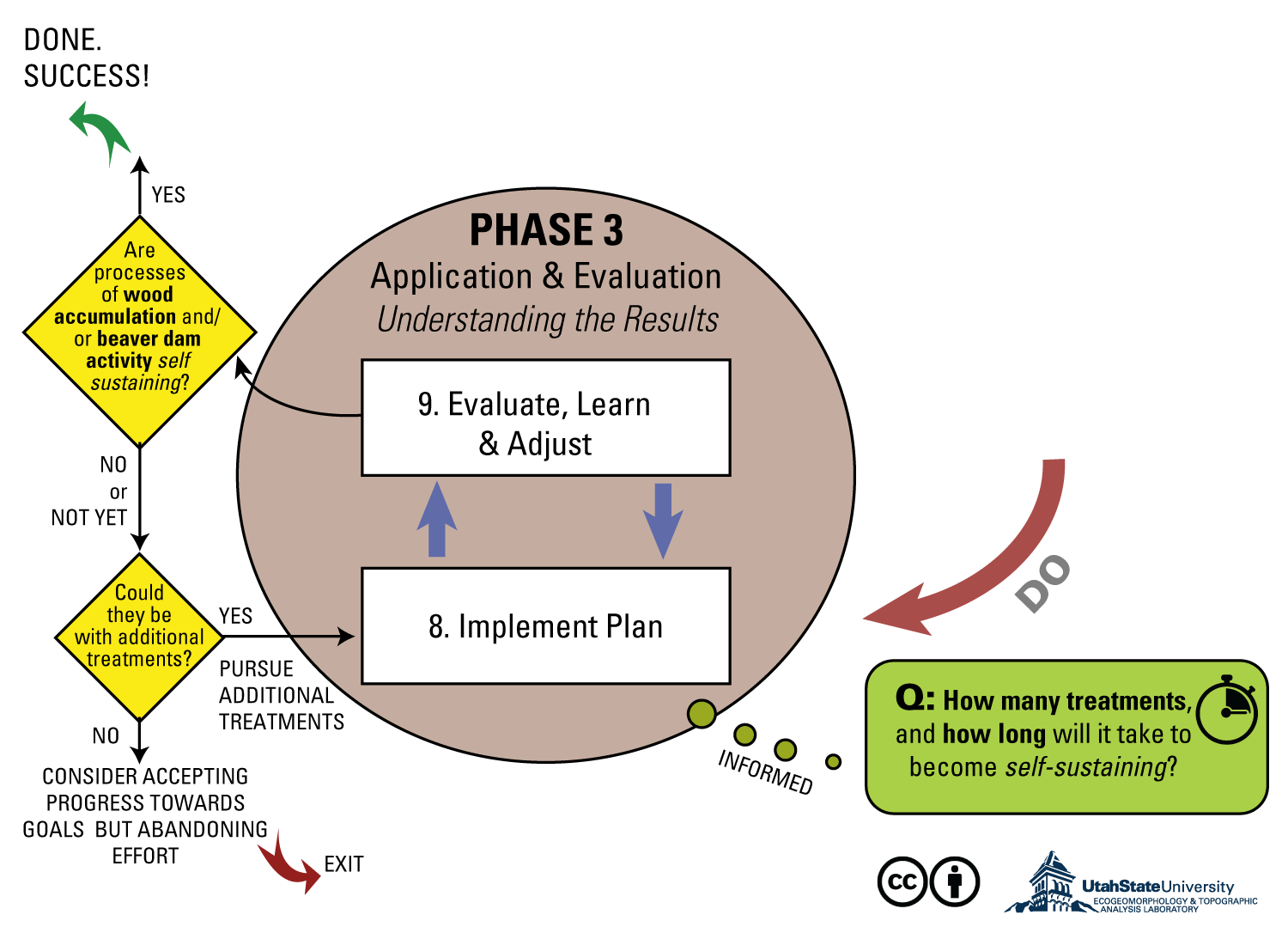
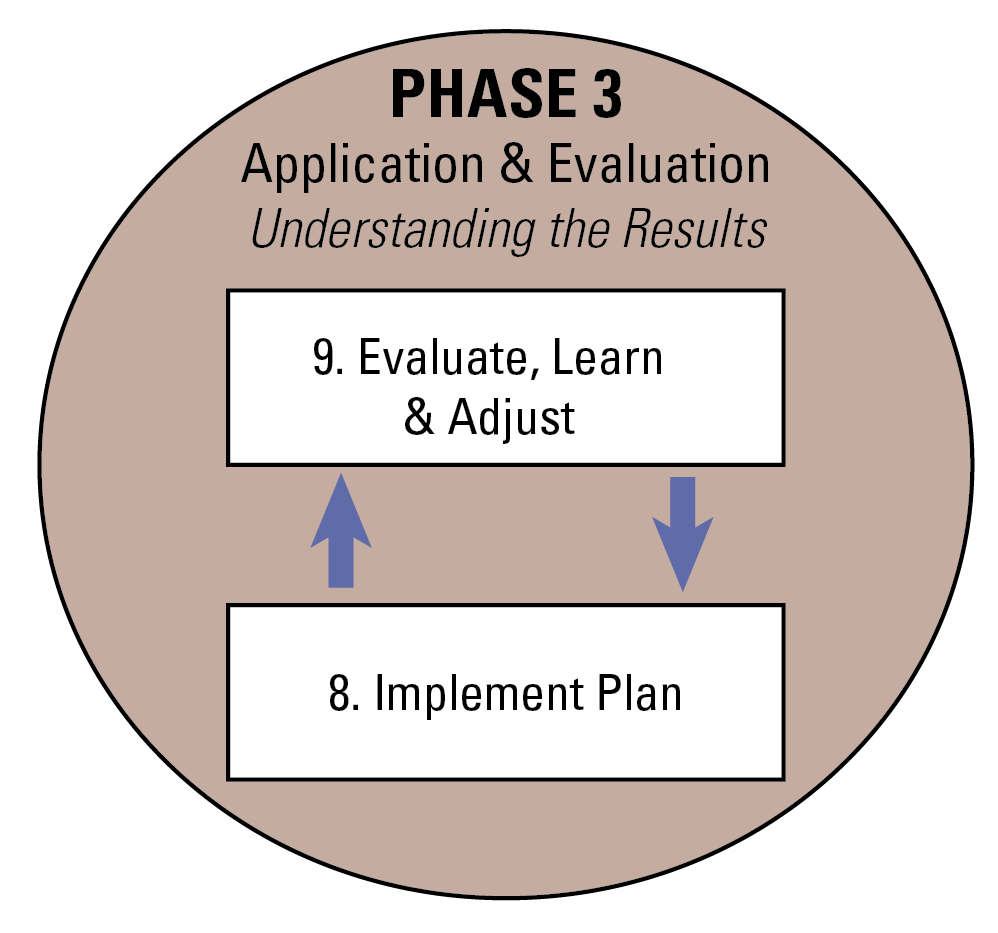
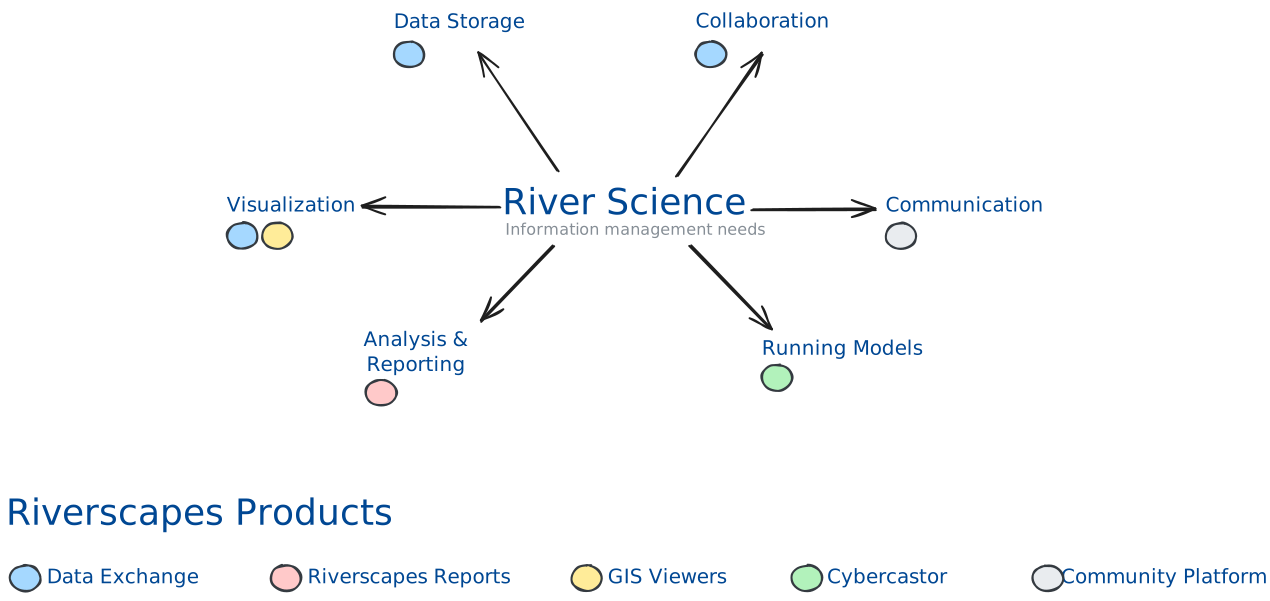
The Riverscapes Docs Website (this website) allows you to share images and other assets by placing them in the static folder of this repository. This works much like a simpler version of our CDN (Content Delivery Network), making it easy to reference and share images across documentation, websites, and external resources.
How It Works
Any file placed in the static directory (e.g., static/img/avatars/jane.png) of the riverscapes docs site repo (https://github.com/Riverscapes/riverscapes-docs-site) is automatically served at a public URL when the site is built and deployed. This means you can use these images in markdown, HTML, or anywhere a direct link is needed.
The site is built and deployed automatically when the main branch of the repo is moved. To contribute changes, clone or fork the repo, make your changes and then create a pull request onto the main branch. The Riverscapes development team will be notified automatically and will review your request. Once the pull request is approved and merged onto the main branch, this website will automatically build and deploy the new assets. You can track the status of your pull request in your GitHub notifications.
Stability: Once an image is added and shared, changing or deleting it can break links for others who depend on it. If you need to update an image, consider versioning (e.g., jane-v2.png) or communicating changes to users. (In other words, you might not be aware of all the places that any particular asset is being used!)
Casual Sharing: The static folder is intended for simple distribution of images (e.g., avatars, screenshots, diagrams) for use by Riverscapes sites and apps.
File Naming: Think carefully about file and folder names. Do not use spaces. Try to standardize on all lower case.
Why do this? Can't I just host my own images in whatever site I want?
Yes, you can! The reason we use this asset sharing method is that it's simple and easy to use. You can just add an image to the static folder and it will be available at a public URL when the site is built and deployed. This means you can use these images in markdown, HTML, or anywhere a direct link is needed.
How This Differs from the Visual Identity Repo & CDN
Docs Site static Folder (this method):
Used for casual, shared images (avatars, quick graphics, etc.) that are used in lots of websites.
Changes are immediate and less controlled.
Best for assets that don't need strict governance.
No CORS restrictions when used in web applications.
Visual Identity Repo/CDN:
Used for official, source-controlled Riverscapes Consortium brand assets (logos, icons, templates).
Changes are reviewed, versioned, and tightly managed.
Intended for assets that require consistency and traceability.
Subject to CORS restrictions when used in web applications. (This means images served from the CDN may not display correctly in some web apps unless CORS is properly configured and the origin is allowed.)
Asset Browser
Below is a list of all images available in the static folder of this repository. You can use this to quickly find and copy the URL for any asset.